
Getting Started with mission‹one› API
Welcome 👋
Using the REST API allows you to programmatically perform a wide range of code operations that are also available through the mission‹one› dialog+ user interface. In this guide you will find a quick start section with the most important concepts about the API, authentication instructions and some short code examples.
📝 Quickstart
How to get your API Token?
To use the REST API you need a valid account on mission‹one› dialog+. To get a valid token, login to mission‹one› dialog+ with your account and generate your API token or, if you do not have sufficient access rights, contact our support to have your token generated.
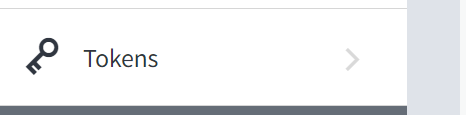
Tokens are created using this page in the administration area:
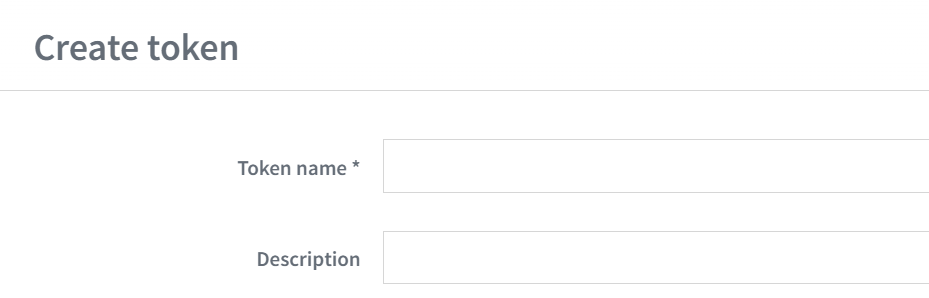
Create a new token by clicking on the + symbol in the token list and entering the required information:
Once created, the token will only be displayed once and copied to your clipboard. So save it somewhere safe for later use.
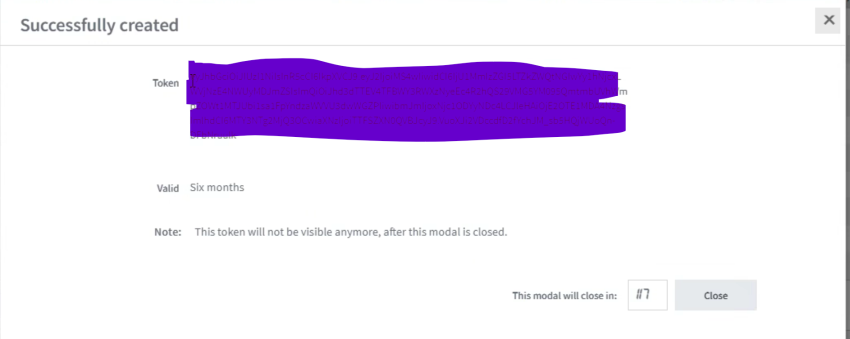
Bear in mind that the token will have an expiry date of 6 months.
📘 What can you do with mission‹one› API?
If you don't have an API, then no worries! ReadMe is great for any sort of documentation. But if you have an API, we make it really easy to get started.
| Subscriber Imports |
|---|
| Learn how to import list of subscribers at once using this methods. This ist the best fit for huge amount of data. Learn more |
| Subscribers |
|---|
Everything you need to know about how to manage your subscribers. |
| Subscriptions |
|---|
Learn how to manage subscriptions for your subscribers. |
You need help? Please contact our support team via [email protected].
💬 We're here to help!
If you have any questions about how to use mission‹one› suite and all products contained, please check our documentation page: mission‹one› docs
We're excited you're here! 💙
Updated over 1 year ago